Budgeting that feels cozy.
A fast and private envelope budget planner for iPhone & iPad, designed for manual budgeting without bank connections, with iCloud sync and widgets.


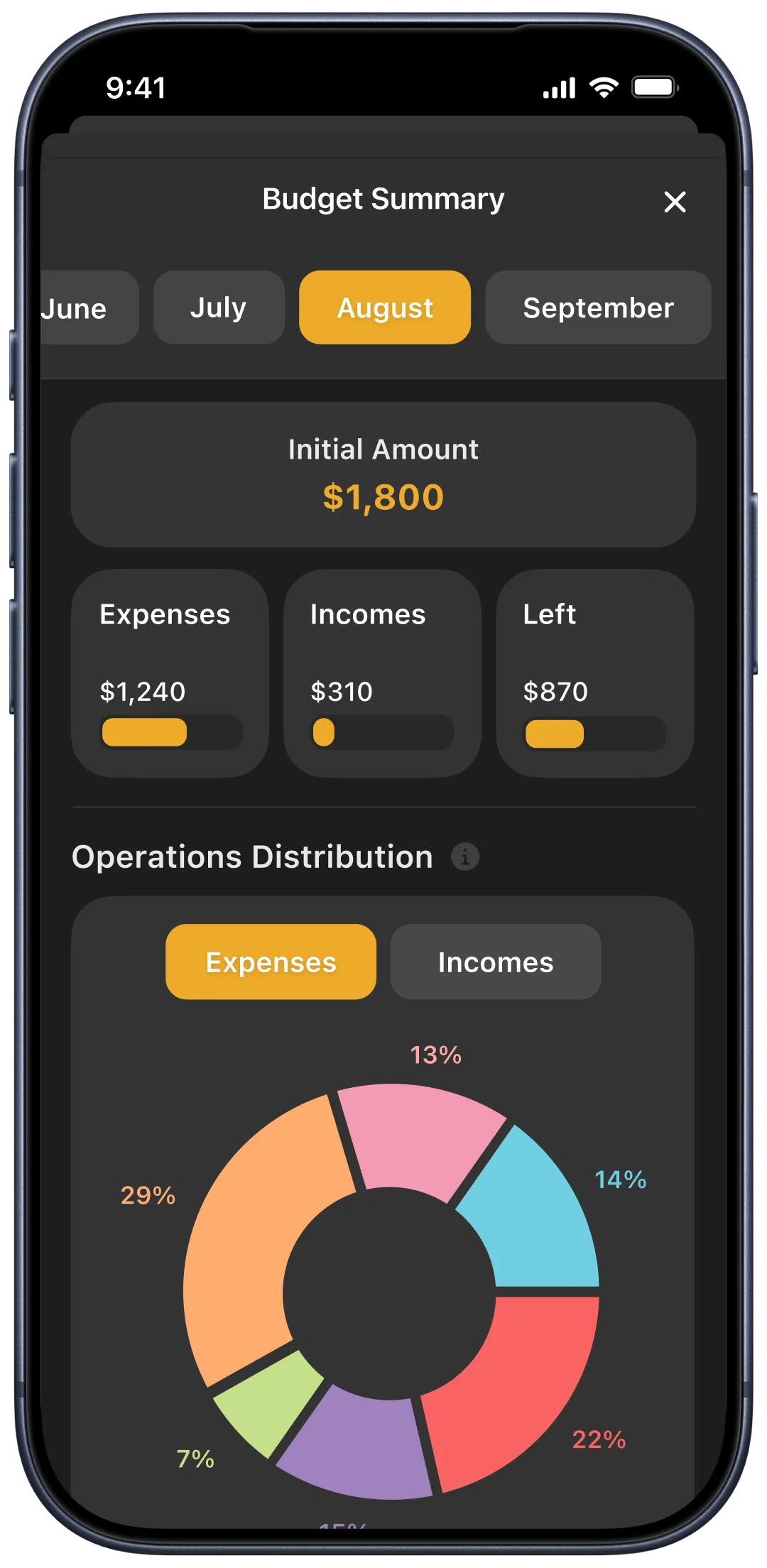
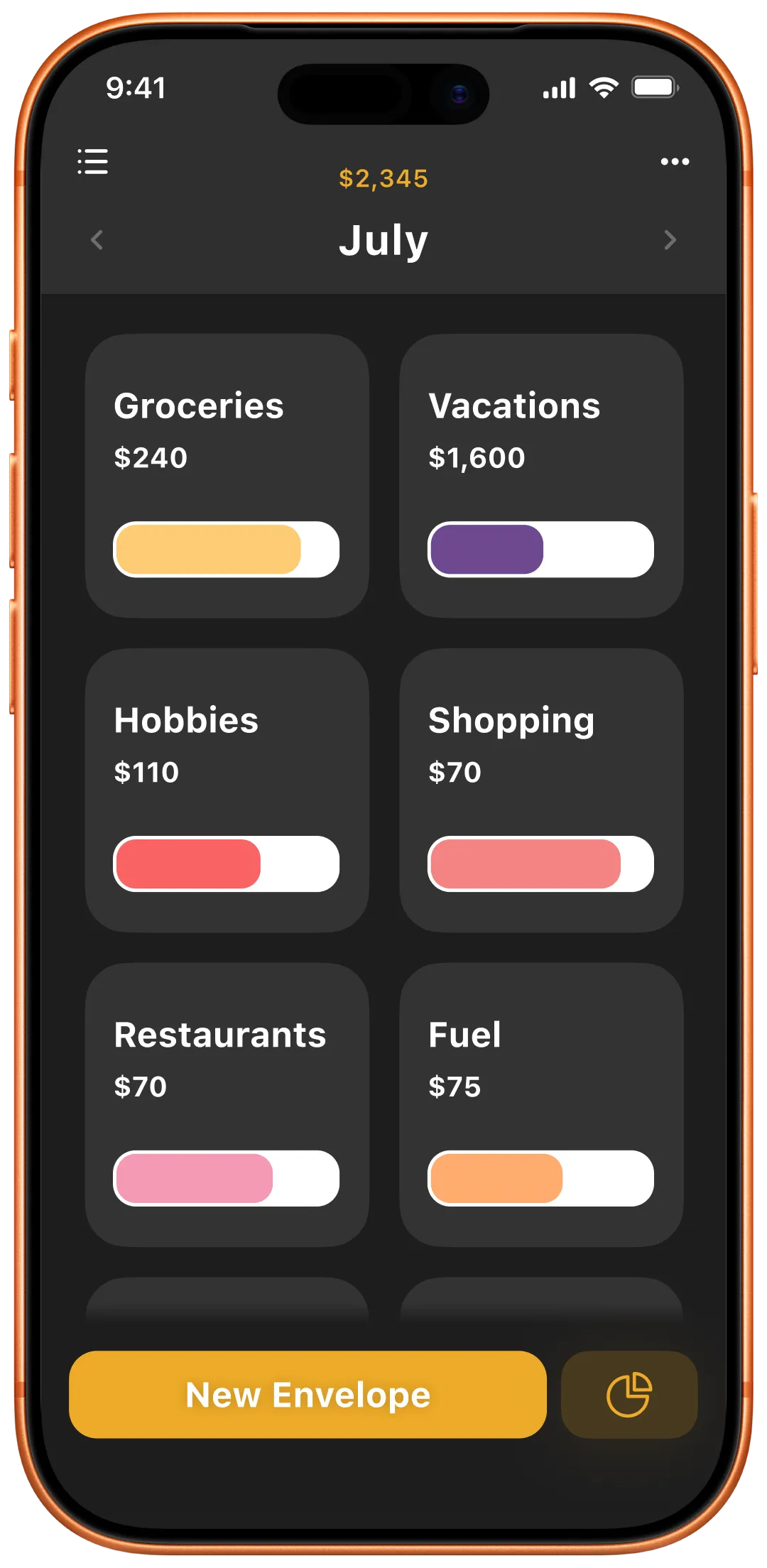
A look inside Tracky
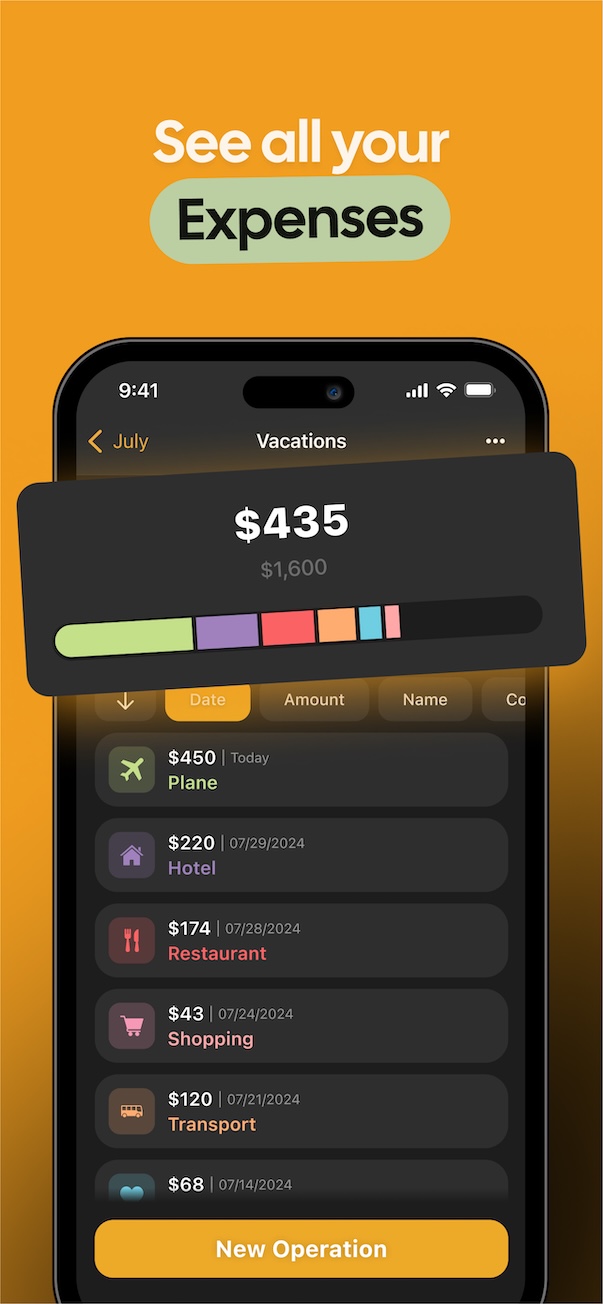
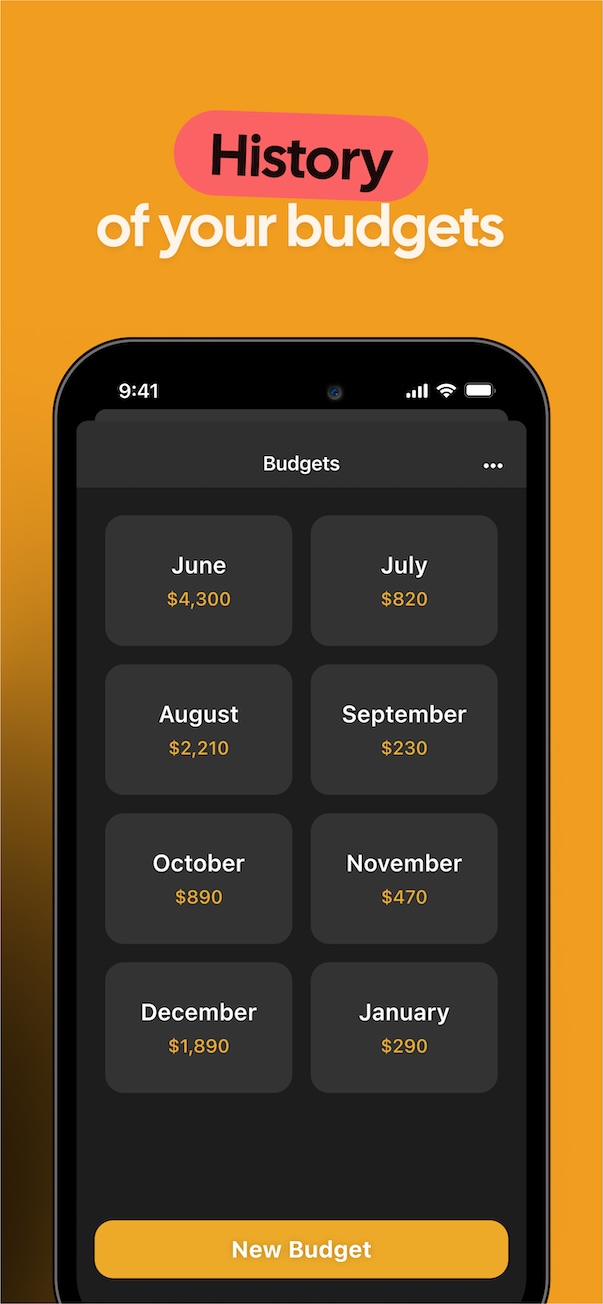
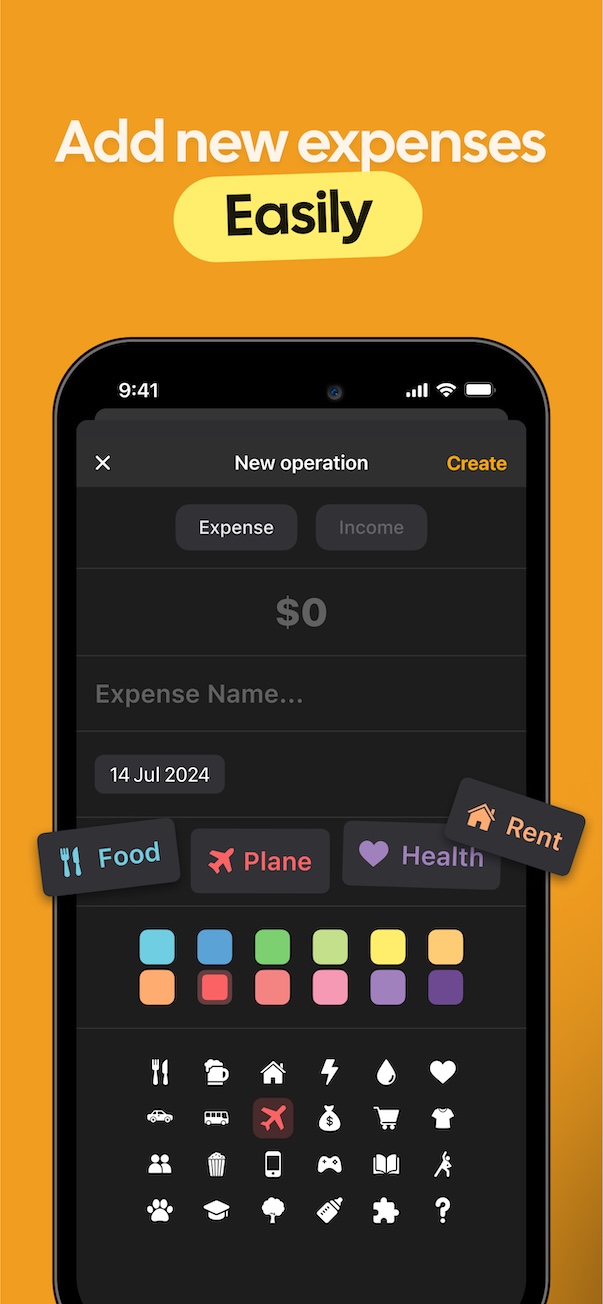
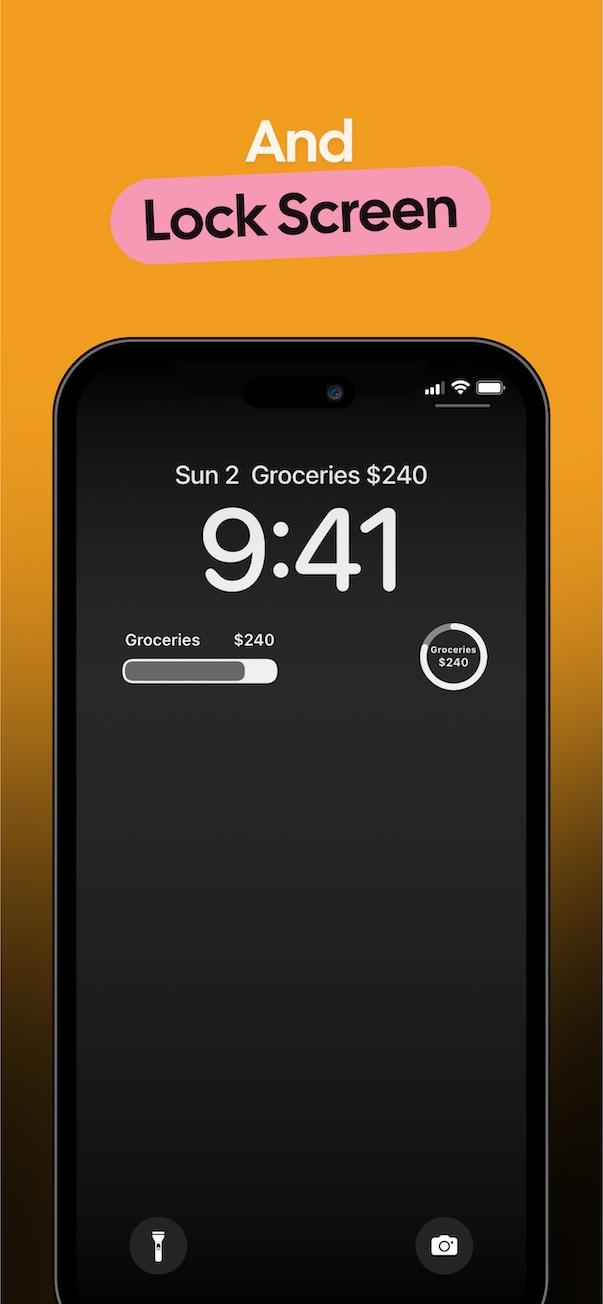
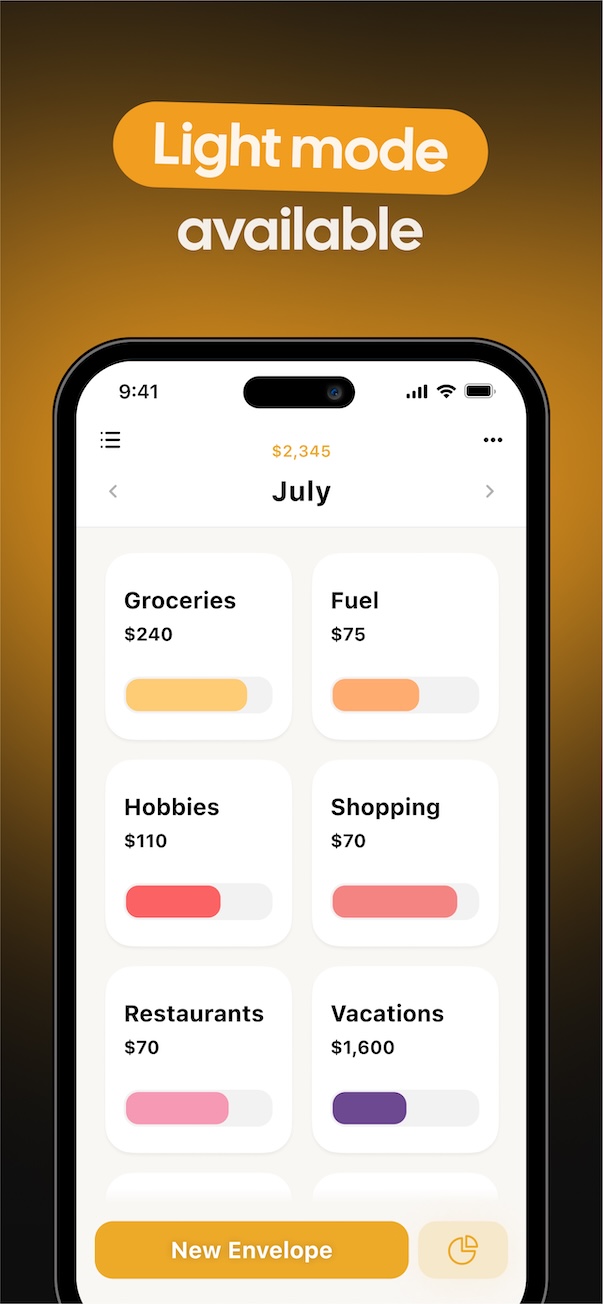
Budgets, summaries, spending history, and widgets — everything you need to manage your personal budget easily on iPhone.
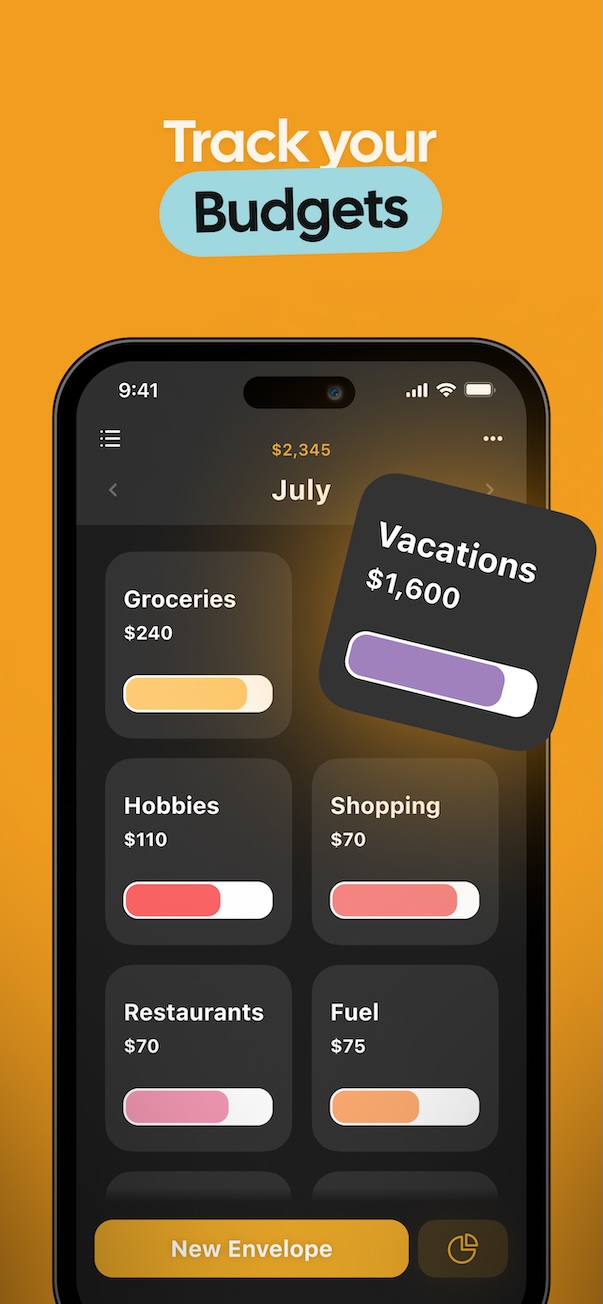
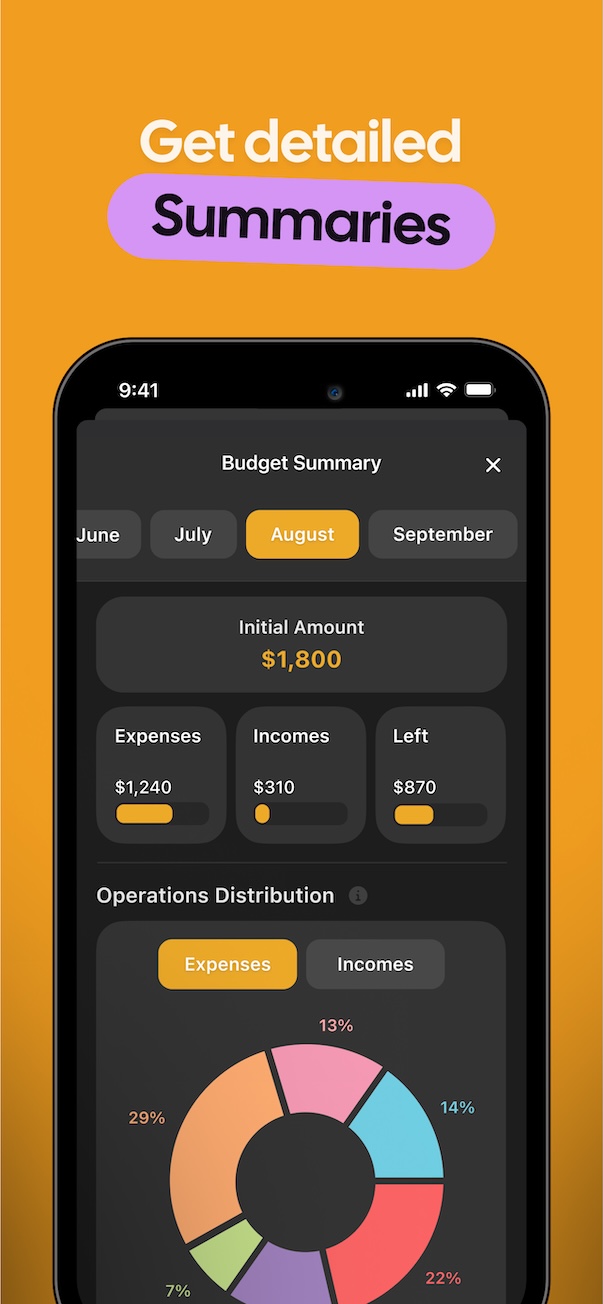
Tracky compared to other budgeting apps
Easy envelope budgeting on iPhone and iPad with iCloud sync and widgets, without linking your bank accounts.
| Feature | Tracky | Other budgeting apps |
|---|---|---|
| Bank Connections | No bank connections | Often required |
| Account | No account required, uses iCloud | Required |
| Sync | On device & iCloud | Vendor account / servers |
| Ease of use | Simple, focused on core features | Feature-rich, more complex to use |
| Pricing Model | Free to start, then subscription or one-time upgrade | Subscription |
Calm budgeting, your way
Tracky keeps things simple: envelopes, budgets, summaries, and privacy by design.
Absolute Privacy
We never ask for bank credentials. Your financial data stays encrypted on your iPhone, iPad, and iCloud.
Envelope Method
Allocate funds to digital envelopes. Add your expenses and incomes, and track what's left in real time.
Spending summaries
Get an overview of your expenses and financial habits instantly.
Widgets
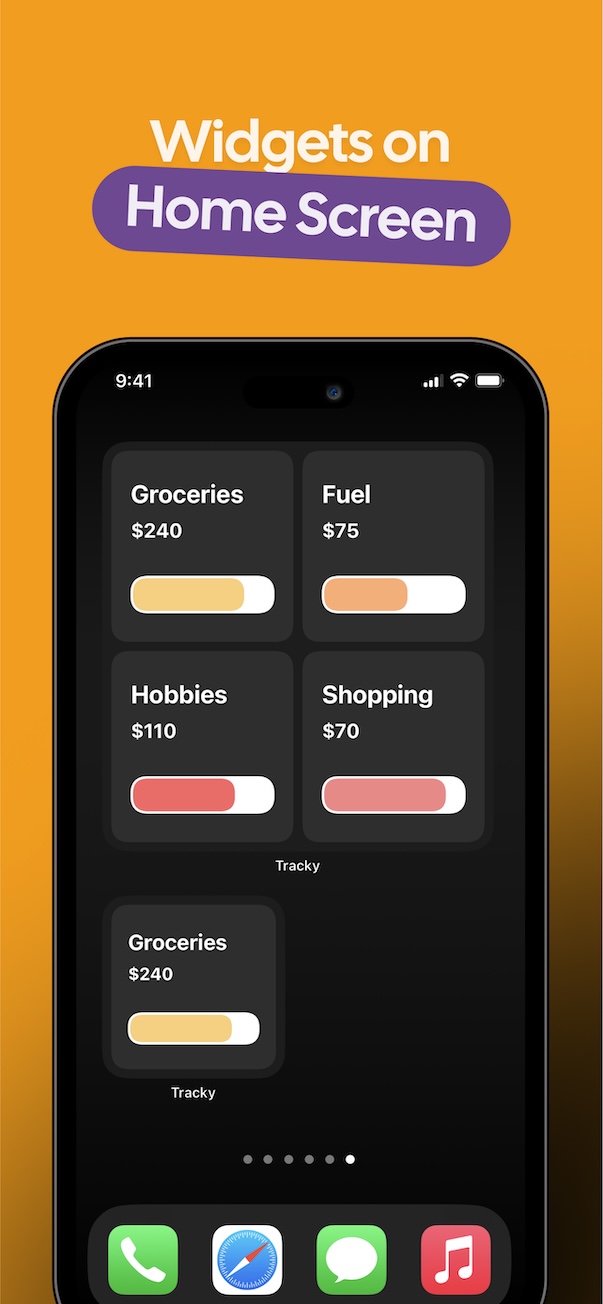
Stay on track at a glance with Home Screen and Lock Screen widgets.
Common Questions
Is Tracky free to use?
Tracky is free to download and includes a free tier for essential budgeting. You can unlock additional features with an optional one-time Pro upgrade or a subscription.
Does Tracky connect to bank accounts?
No. Tracky is a manual budget planner — we don't require or support bank connections.
How does iCloud sync work?
Tracky uses Apple's iCloud to sync your data across your iPhone and iPad. Your budgets never pass through our servers.
Does Tracky work offline?
Yes. Tracky works fully on-device, so you can use it offline. An internet connection is only needed if you want to sync your data via iCloud across devices.
Does Tracky support widgets?
Yes. Tracky includes Home Screen and Lock Screen widgets so you can check your budget at a glance.
Is my financial data private?
Yes. Tracky does not use third-party analytics or trackers, and your data stays on your device and your iCloud account.
Ready to organize your budget?
Download Tracky, a privacy-first, manual envelope budget planner for iPhone — with iCloud sync, widgets, and zero bank connections.
Contact
Want to reach out or have a question?