Create wallpapers that feel uniquely yours.
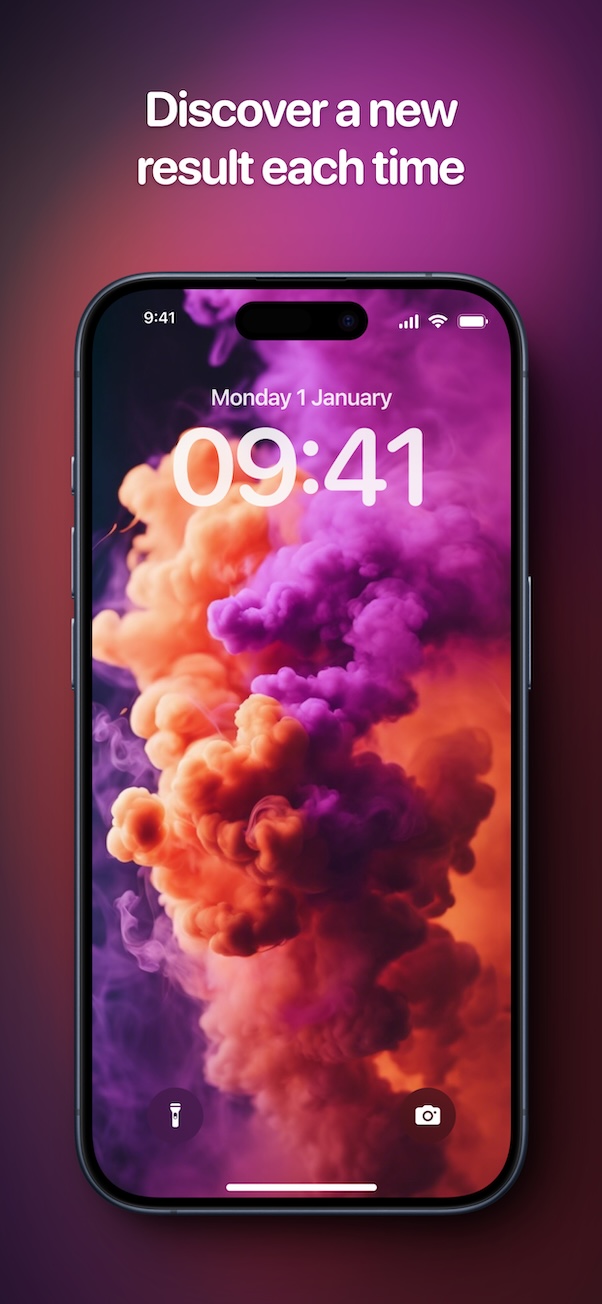
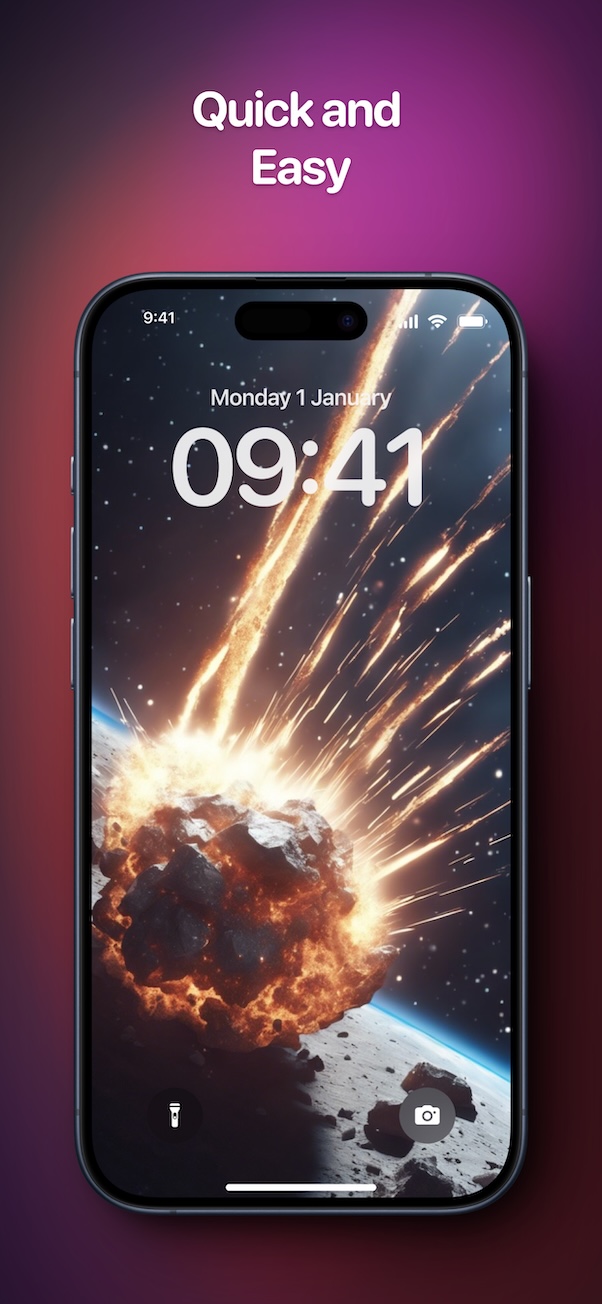
Choose a subject, pick a style, add color tints, and generate a custom wallpaper in seconds with Wally.


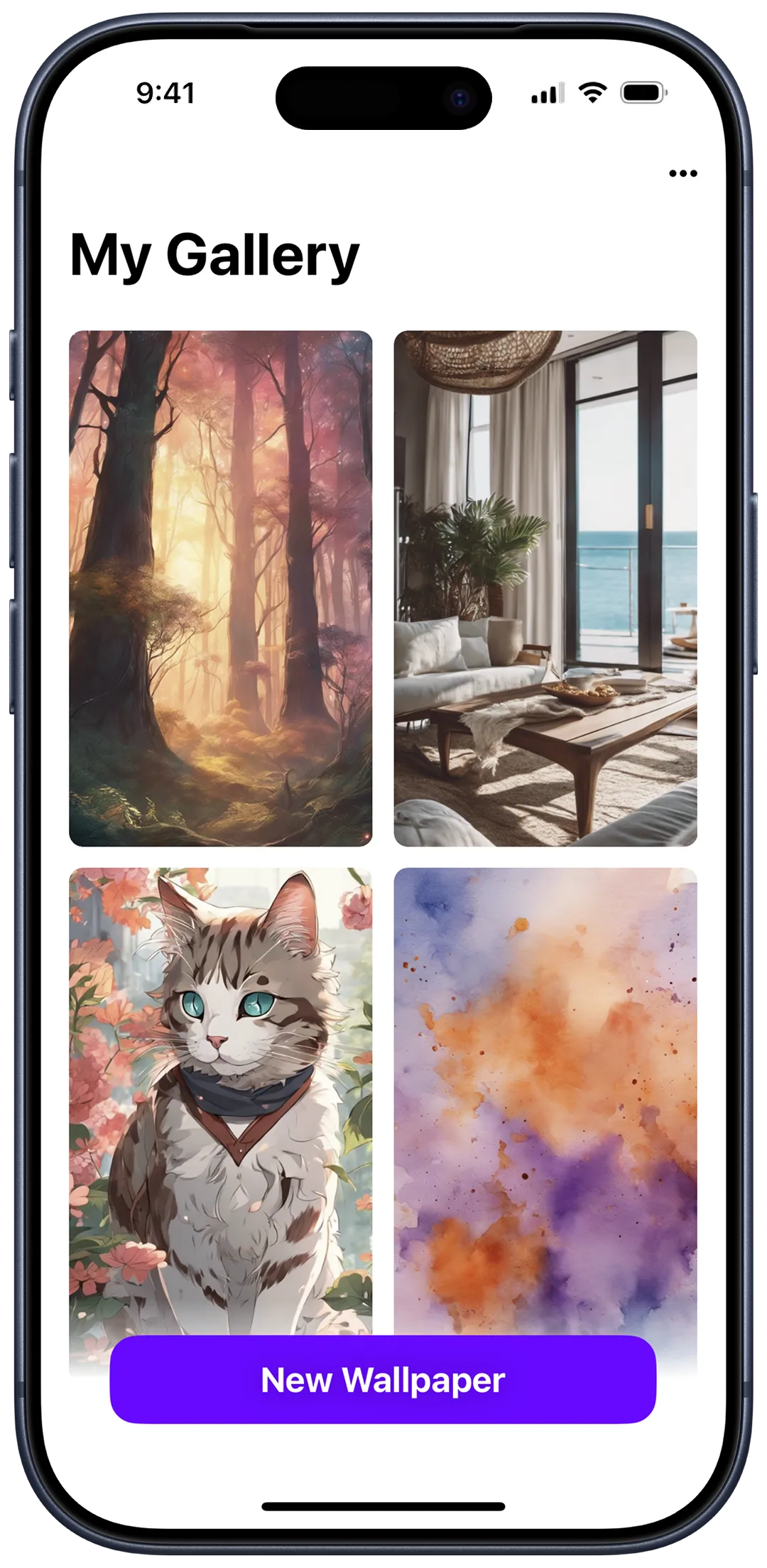
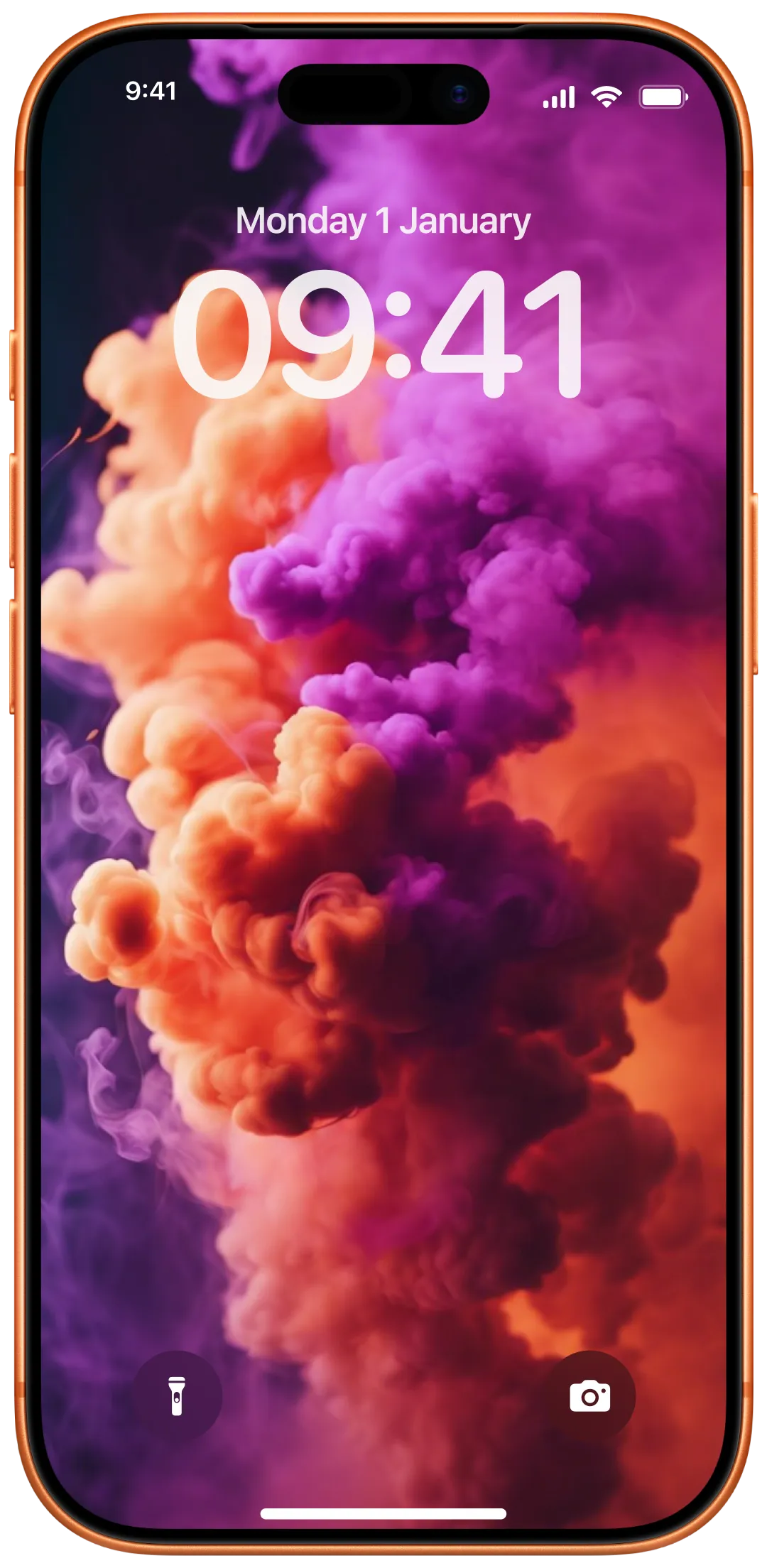
See Wally in action
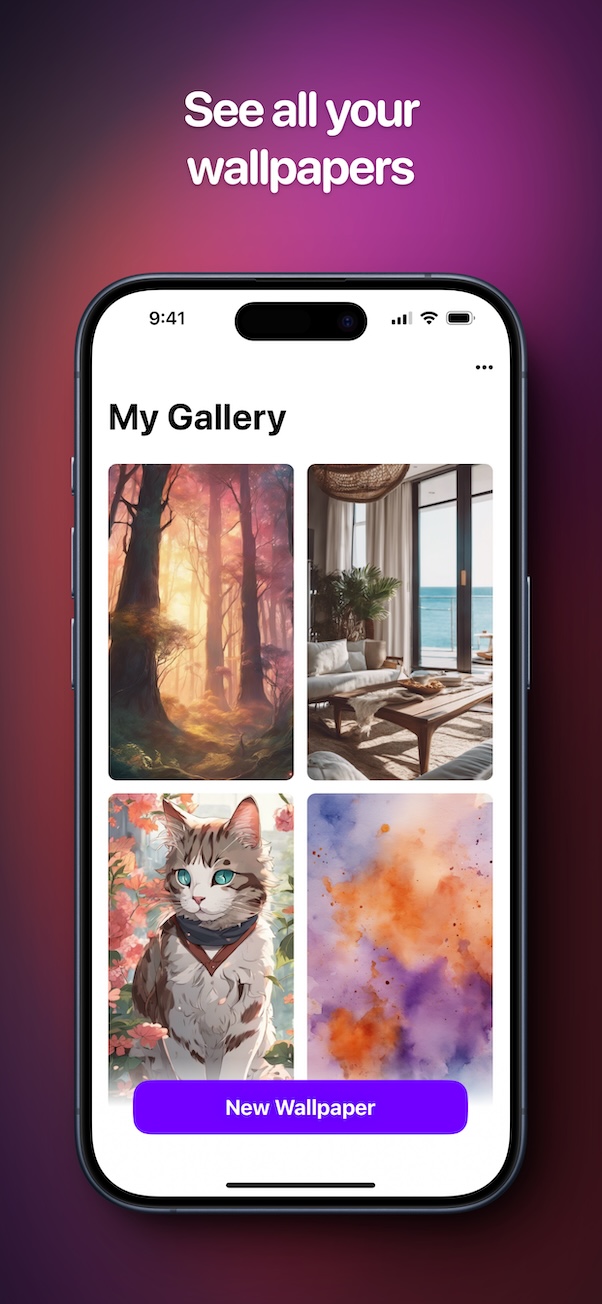
Create, preview, and save custom wallpapers in just a few taps.
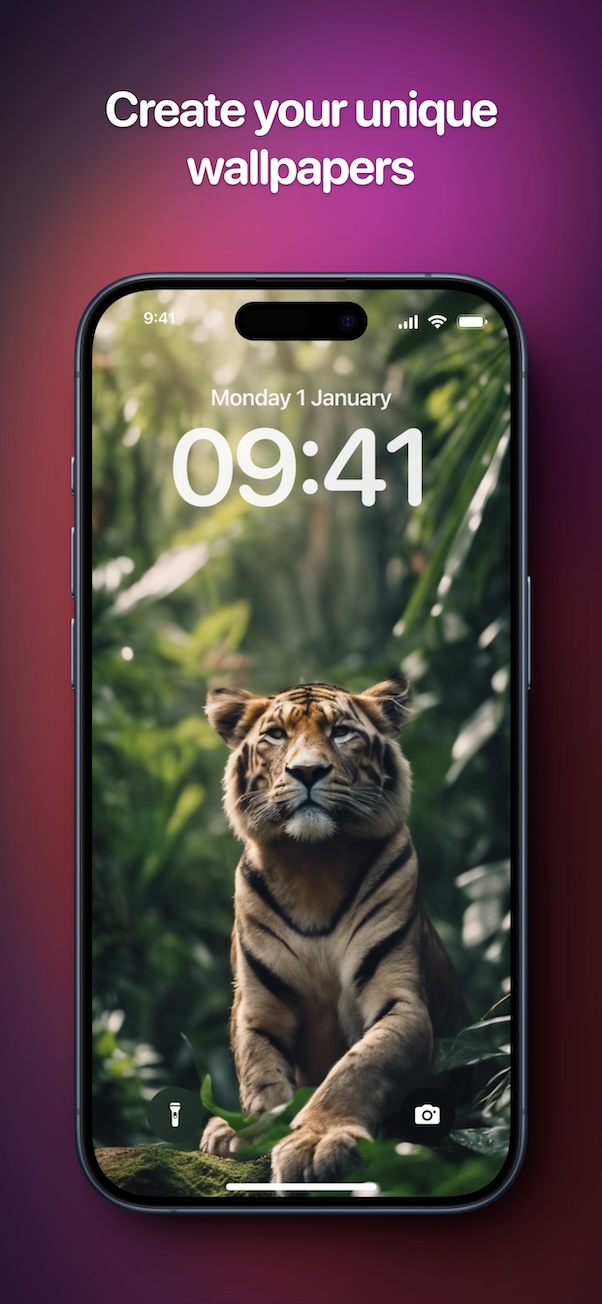
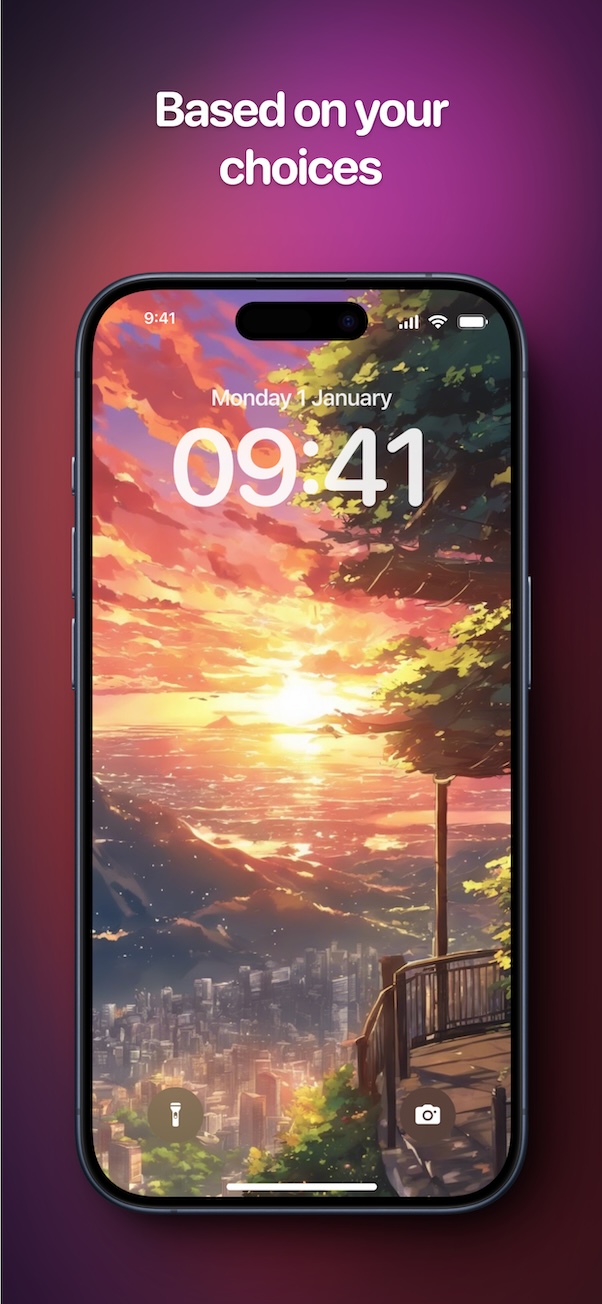
Everything you need to craft custom wallpapers
Build unique wallpapers fast with subjects, styles, colors, and AI-powered generation.
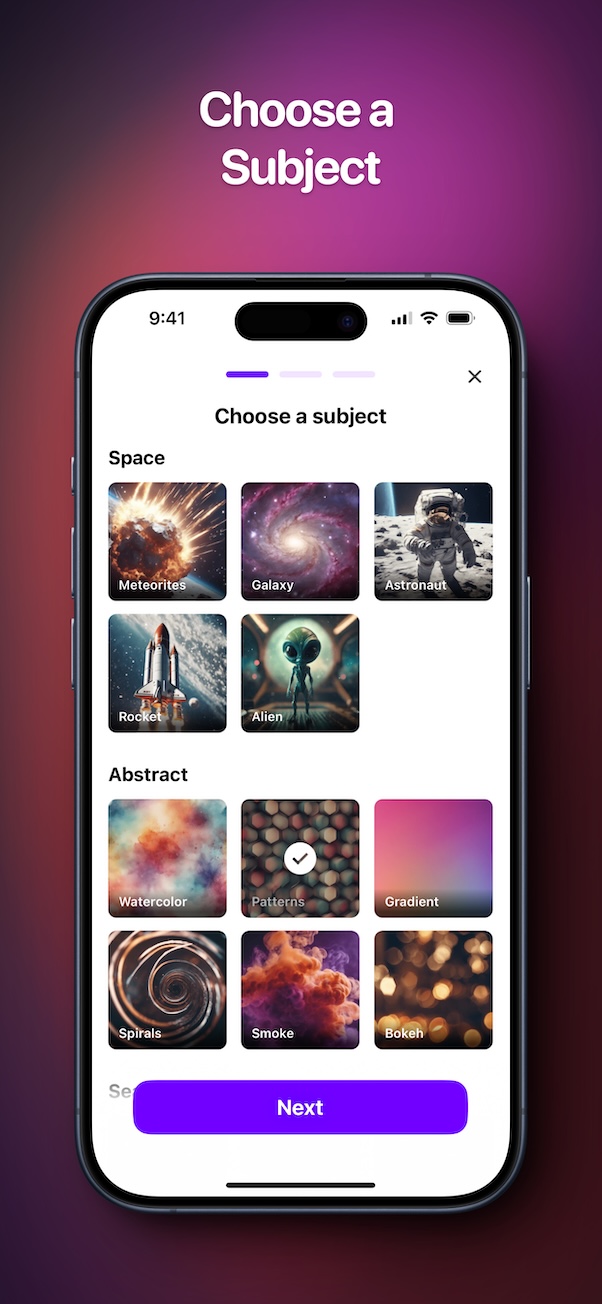
Choose a subject
Start with a subject like animals, abstract art, or fantasy themes.
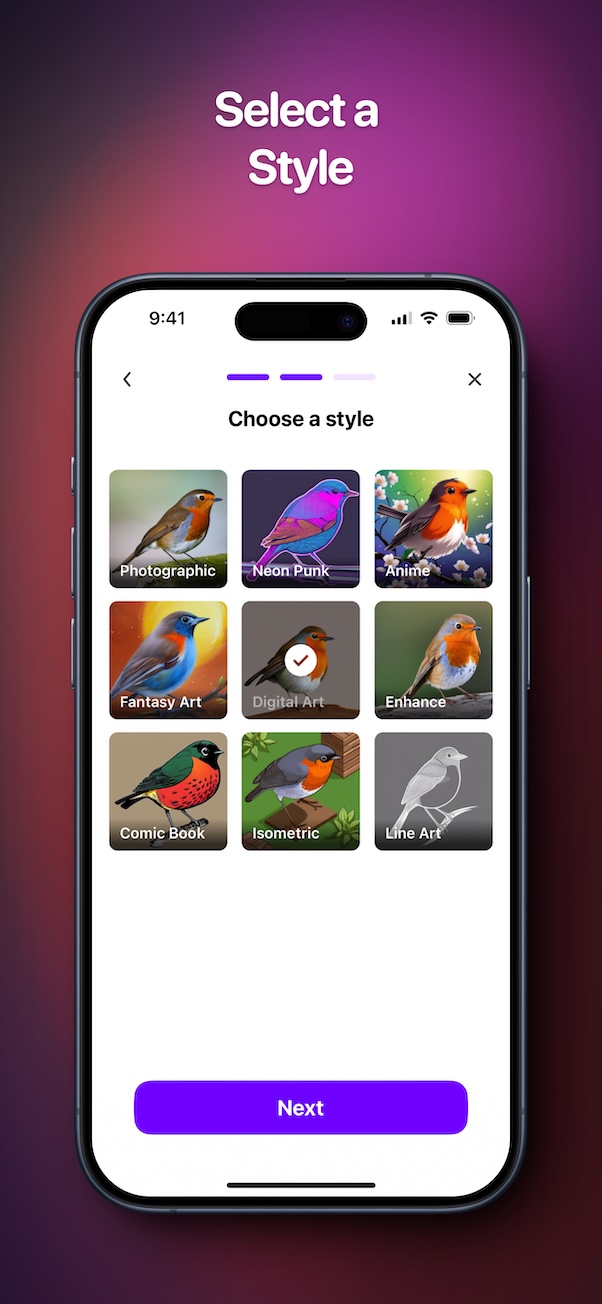
Pick an artistic style
Choose from styles like photographic, neon-punk, anime, and more.
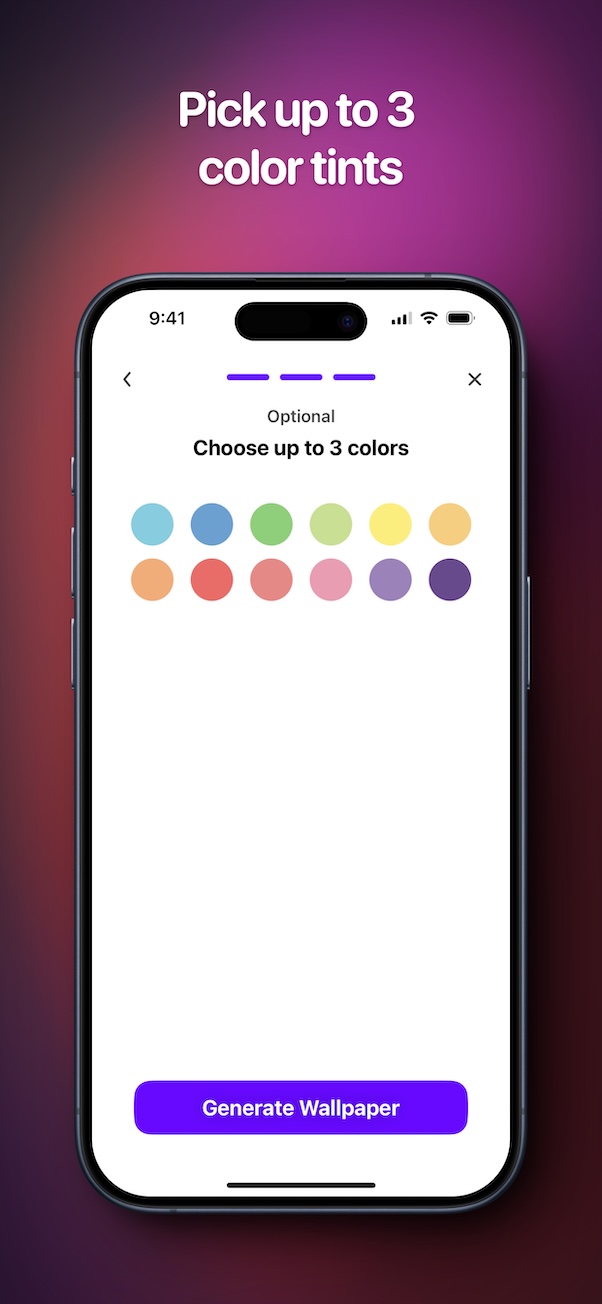
Add color tints
Fine-tune your look with up to three color tints.
AI generation
Generate wallpapers in seconds, tailored to your choices.
Save to Photos
Save wallpapers directly to your Photos library.
Share with friends
Share your wallpapers through social apps or messages.
Unlimited generations
Unlock Premium for unlimited generations and saves.
Upscale
Upscale your generated wallpapers for higher resolution.
How Wally works
Create a wallpaper in seconds with a few simple choices.
- Choose a subject for your wallpaper.
- Pick an artistic style you love.
- Add up to three color tints.
- Generate your wallpaper instantly.
- Save to Photos or share with friends.
Free to start, Premium when you need it
Download free. Upgrade for unlimited generations, unlimited saves, upscale, and no ads.
Free
Start creating wallpapers in seconds.
- AI wallpaper generation
- Subject, style, and color choices
- Save and share basics
Premium
Unlock advanced creation tools.
- Unlimited generations
- Unlimited saves to Photos
- Upscale output for higher resolution
- No ads experience
Multiple Premium options available.
Common Questions
What is Wally: Create your Wallpapers?
Wally is an AI wallpaper generator that creates custom wallpapers from your subject, style, and color choices.
Is Wally free to use?
Wally is free to download with optional Premium upgrades for unlimited generations, unlimited saves, upscale output, and no ads.
How do I create a wallpaper?
Choose a subject, pick an artistic style, add color tints, then generate your wallpaper in seconds.
Can I save wallpapers to my Photos library?
Yes. Save any wallpaper to your Photos library and set it as your lock screen or home screen.
Can I share wallpapers?
Yes. Share wallpapers with friends using your favorite apps.
What devices are supported?
Wally requires iOS 14.0 or later and runs on iPhone, iPad, and Mac (Apple Silicon).
Ready to create your next wallpaper?
Generate your own custom wallpapers now.
Contact
Want to reach out or have a question?
Requires iOS 14.0 or later. Runs on iPhone, iPad, and Mac (Apple Silicon).